House Hold guides
How to add and complete tasks
Give a job a clear owner, a due date and a satisfying tick.
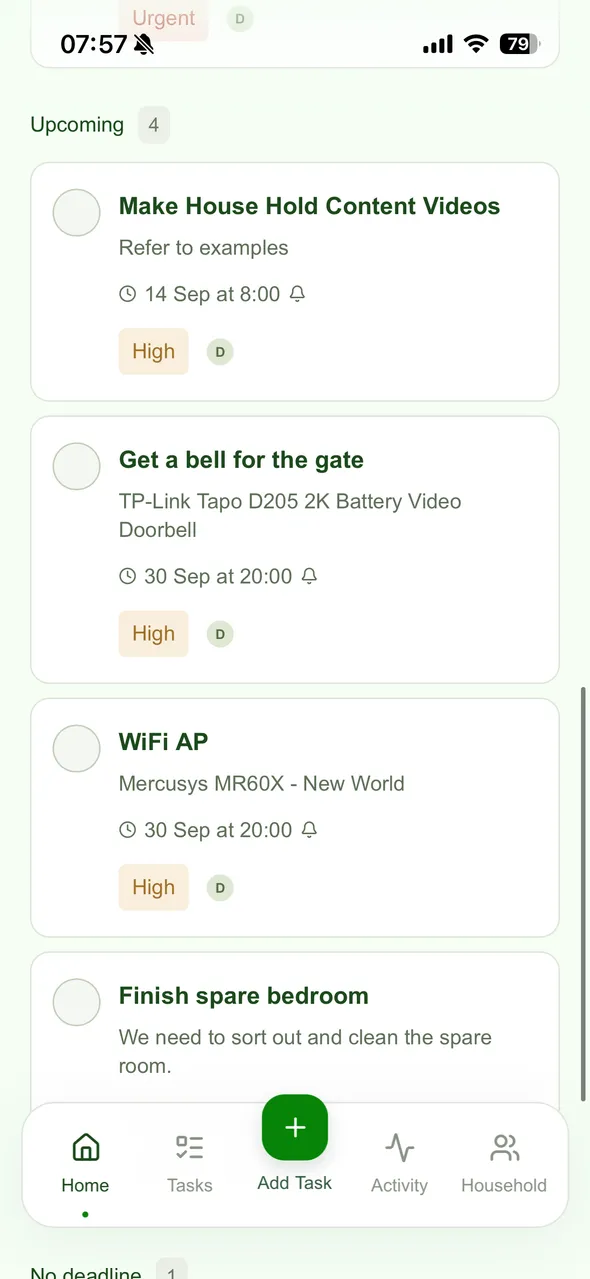
- Select Add Task in the bottom navigation.
- Enter a title and any helpful details, then choose who should do it.
- Set a due date, importance, repeat schedule or reminder when needed.
- Select Add task to save it to your household.
- When the job is done, the assigned member selects its completion circle. Check the task list to confirm the change saved.